

The challenge? Finding the exact insight you need in seconds.
This use case explains how to search a PDF quickly, how to search information in PDF fast, and how to search inside a PDF with Clarant using an intelligent PDF search tool designed for professionals.
The Business Problem
A consulting team is preparing a board-level presentation for a client. They need to:
Extract financial risk insights from a 250-page annual report
Locate specific clauses from a contract document
Find references to operational KPIs in a transformation report
Identify compliance-related sections across multiple PDFs
Using traditional methods like CTRL+F is not enough.
Why Traditional PDF Search Fails
Traditional PDF search fails as it only finds exact keyword matches, doesn’t understand context, cannot summarize information, doesn’t answer questions, and struggles with scanned or poorly formatted PDFs. Consultants don’t just need keywords; they need answers.
The Solution: Clarant – An Intelligent PDF Search Tool
Clarant is an AI-powered PDF search tool that helps consultants:
Search inside PDF using natural language questions
Search information in PDF fast without manually scanning pages
Extract insights instead of just finding keywords
Get contextual answers based only on the uploaded document
Unlike general AI tools, Clarant answers questions only from the uploaded PDF, ensuring data confidentiality and document integrity, critical in management and consultancy engagements.
Use Case Scenario: Management Consulting Firm
Client Situation
A strategy consulting firm is conducting a post-merger integration assessment. The team has:
300-page merger agreement
180-page financial performance report
220-page operational audit document
Compliance and regulatory documentation
The partner needs insights in under 2 hours before a board meeting.
Step-by-Step: How to Search a PDF Quickly with Clarant
Step 1: Upload the PDF
The consultant uploads the required document(s) to Clarant. No complex setup. No technical integration required.
Step 2: Ask Natural Language Questions
Instead of manually scrolling, the consultant asks:
What are the major financial risks identified in the merger agreement?
Summarize the cost synergy projections.
What compliance gaps were mentioned in the operational audit?
Where is the termination clause described?
This is how to find text in PDF fast, by asking direct questions instead of searching word-by-word.
Step 3: Get Contextual, Structured Answers
Clarant scans the entire document instantly, understands context, pulls relevant sections, provides concise answers, summarize large sections, and references the relevant parts of the document.
Now the consultant can search inside PDF with Clarant in seconds instead of minutes.
Real Impact in Management & Consultancy
1. Faster Due Diligence
Consultants can search information in PDF fast across financial statements, risk disclosures, legal contracts, governance policies, etc. saving up to 60-80% of the time.
2. Improved Proposal Preparation
When preparing client proposals, consultants often reuse case studies, capability decks, and industry research. Using a PDF search tool like Clarant, teams can instantly retrieve:
Relevant statistics
Industry benchmarks
Past client success metrics
3. Smarter Board-Level Reporting
Senior partners need summarized insights, not raw data. Instead of reading 200 pages, they can ask:
Summarize operational inefficiencies highlighted in this report.
List the top 5 strategic risks mentioned.
This makes how to search a PDF quickly no longer a technical question, but a strategic advantage.
4. Compliance & Risk Management
Consulting firms handling regulatory advisory can identify risk clauses, extract penalty sections, locate regulatory references, and validate compliance statements, all without manually scanning documents.
Key Features of Clarant for Consultants
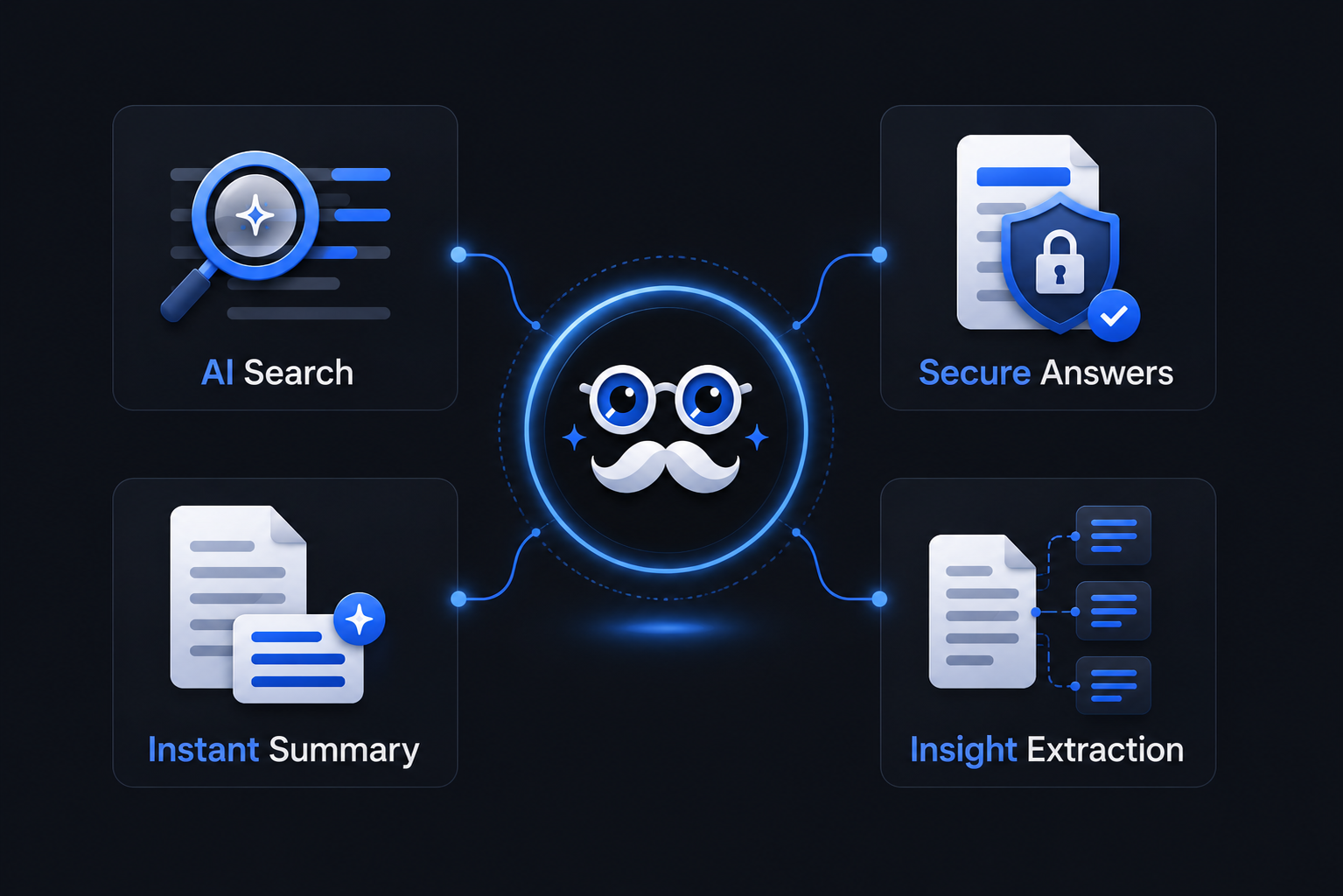
AI-Powered Contextual Search
Goes beyond keyword matching to understand intent.
Document-Restricted Intelligence
Answers come strictly from the uploaded file, ensuring client data security.
Instant Summarization
Convert 50 pages into a concise executive summary.
Multi-Section Insight Extraction
Pull insights from different parts of the document into one unified response.
Comparison: Traditional Search vs Clarant
For consultancy firms managing tight deadlines, this difference is critical.
Traditional CTRL+F | Clarant PDF Search Tool |
|---|---|
Keyword only | Context-aware search |
Manual reading required | AI-generated summaries |
Time-consuming | Instant insights |
No understanding of intent | Understands questions |
No cross-section analysis | Intelligent document synthesis |
Measurable Business Outcomes
Consultancy teams using AI-driven PDF tools report:
50–70% reduction in document review time
Faster turnaround for client deliverables
Improved insight accuracy
Better utilization of billable hours
Reduced operational friction
Best Practices: How to Find Text in PDF Fast
To maximize results with Clarant:
Ask clear, specific questions
Break complex queries into smaller parts
Use summary prompts for long sections
Ask follow-up questions for deeper clarity
Validate insights within the document context
Why This Matters for Management & Consultancy Firms?
In consulting, speed and clarity win deals. When teams can:
Search inside PDF with Clarant
Search information in PDF fast
Understand how to search a PDF quickly
Find text in PDF fast without wasting billable time
They gain a competitive advantage.
Clarant transforms document review from a manual task into an intelligent, insight-driven workflow.
Final Thoughts
For management and consultancy firms handling complex documentation daily, an advanced PDF search tool is no longer optional; it is strategic infrastructure. If your team spends hours scanning documents, it’s time to rethink how you search.
With clarant, you don’t just search PDFs. You extract answers. You accelerate decisions. You deliver impact faster.


